 Physicly
Workout plan generator
A full weekly program for the gym or home, beginner to advanced. Free, no signup.
Your week appears here
Answer the questions and press Build my plan. You get every workout with its exercises, sets, reps and rest.
Building your plan…
- Picking your split for 3 days a week
- Choosing exercises for the gym
- Setting sets, reps and rest for a new lifter
Other programs that fit you
General guidance for healthy adults. Stop any exercise that hurts, and check with a professional if you have an injury or a medical condition.
Log this plan in Physicly: physicly.app
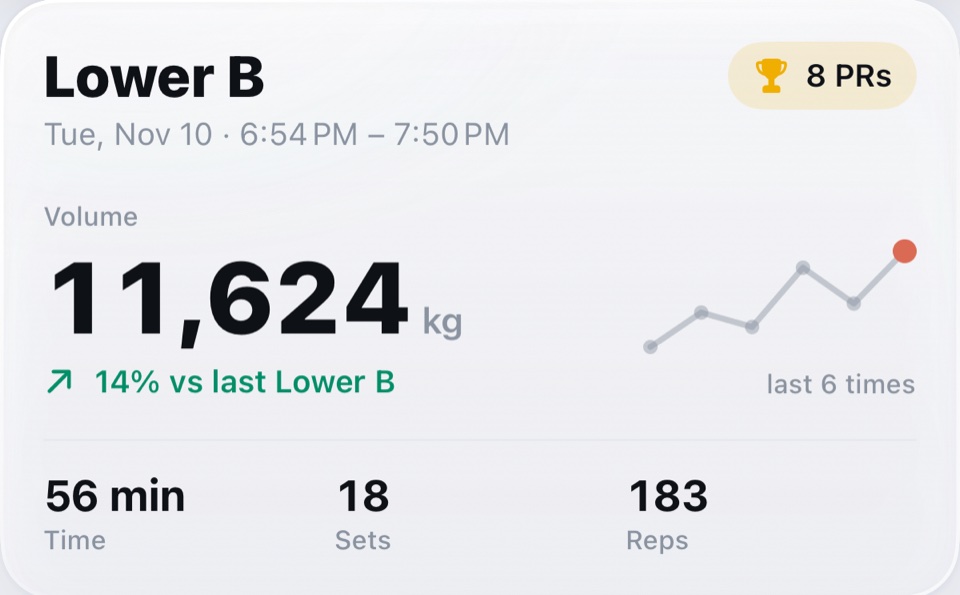
Log this plan in Physicly
The app builds this same program from your answers, records every set and tells you when to add weight.
Get this plan in the appPhysicly for iPhone Track this plan in PhysiclyLogs every set · for iPhone
What does a workout plan generator do?
A workout plan generator, or workout planner, turns your answers into a training week. This free workout plan generator asks how many days you can train, how long you’ve been lifting, where you train and what you have, then builds a full weekly program: the split, every exercise with its sets, reps and rest, alternatives you can swap in and how to do each move. It works as a workout routine generator for the gym or home, needs no signup and runs on the same rules as the Physicly app.
Your answers in, a week out.
-
1
Days a week pick the split
- 2–3 days
- Full body
- 4 days
- Upper / lower
- 5 days
- Upper, lower, push, pull, legs
- 6 days
- Push, pull, legs ×2
-
2
Experience sets the volume
- Just starting
- 2–3 sets, machines first, ≤ 4 days
- 1–3 years
- 3 sets on every move
- 3+ years
- 4 sets on main lifts
-
3
Where you train picks exercises
- Gym
- Barbells, machines, cables
- Home
- Only what you tick, plus bodyweight
- Bodyweight only
- Up to 4 days
Why does the same answer always give the same plan?
Because there is nothing random in it. The generator looks your days up in a table to pick the split, fills each slot of the workouts with the first exercise you can do with your equipment and experience, and sets sets, reps and rest from the exercise's job in the workout.
That is the same engine the Physicly app runs, so a plan you build here and the one the app builds from the same answers match exercise for exercise.
Every exercise, ready to follow.
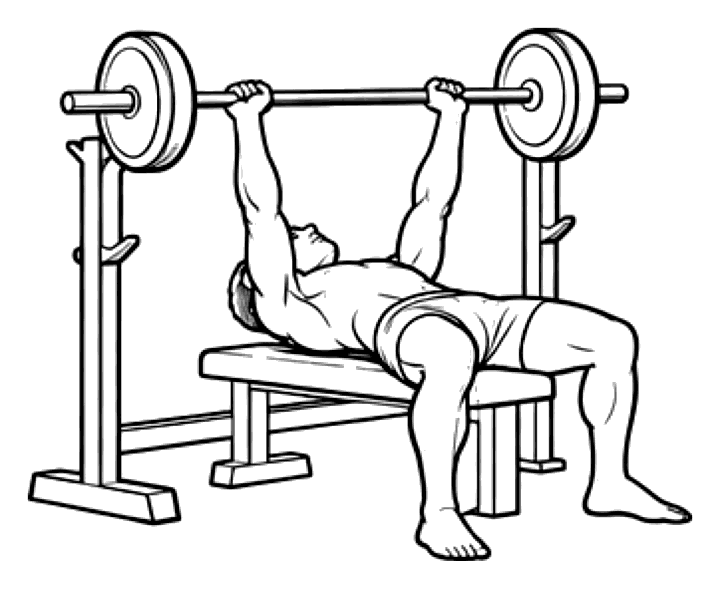
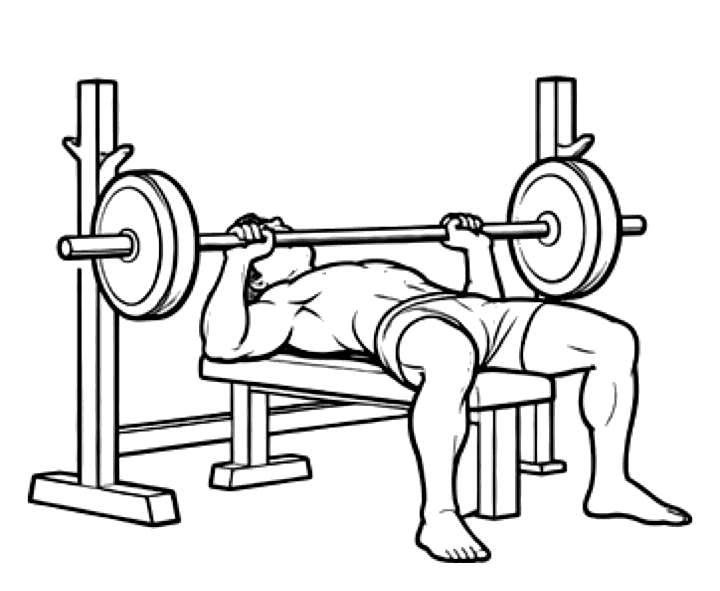
Bench Press (Barbell)
3 × 6–8 reps · rest 2:30 min
Works Chest · also Triceps, Shoulders
- Sets × repsStop about 2 reps short; when every set hits the top of the range, add weight.
- RestLonger for the first, heaviest lift of the day; about a minute for small moves.
- How to do itThe move drawn at the start and the end, its steps and the mistakes to avoid.
- SwapBench Press (Dumbbell), Chest Press (Machine), Push-up and more, each fitted to your equipment.
What does each line of the plan tell you?
The sets and the rep range, such as 3 × 8–10, and how long to rest before the next set. Open a line and you see the move drawn at the start and end, the muscles it works, the steps and the mistakes to avoid.
Swap cycles through other exercises for the same slot that fit your equipment, each with its own rep range, so a busy machine or a sore joint never stops the workout.
Which workout split is best?
The best workout split is the one that fits the days you really have: full body for 2–3 days, upper/lower for 4, push pull legs from 5. Each trains every muscle about twice a week.
-
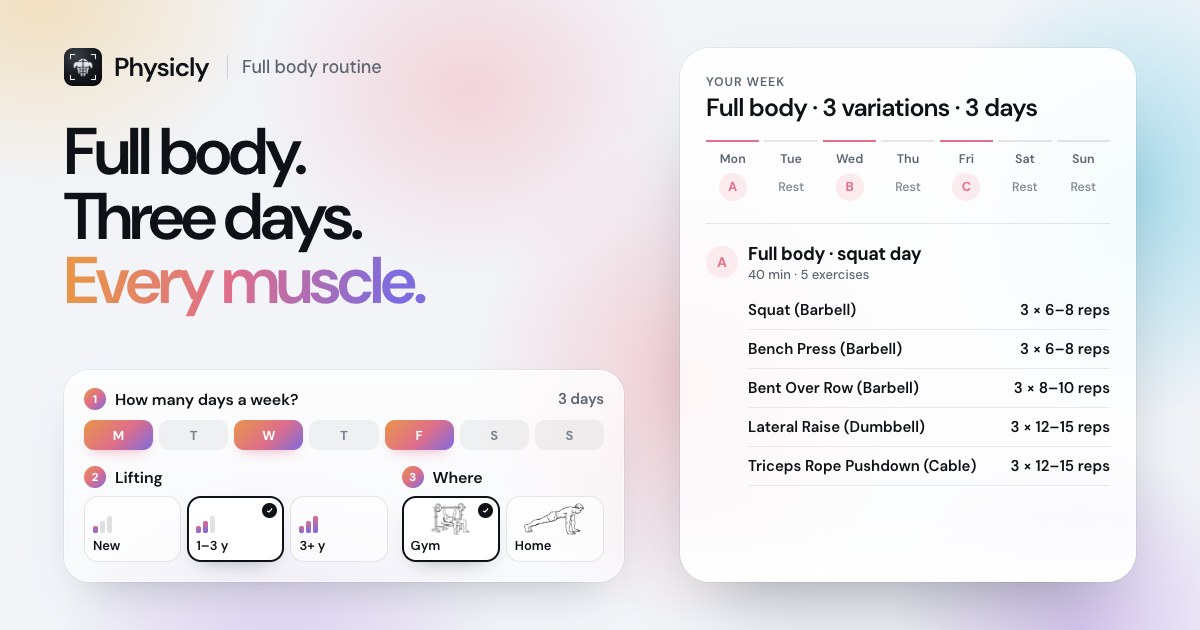 Full body routine
3 days a week · gym
-
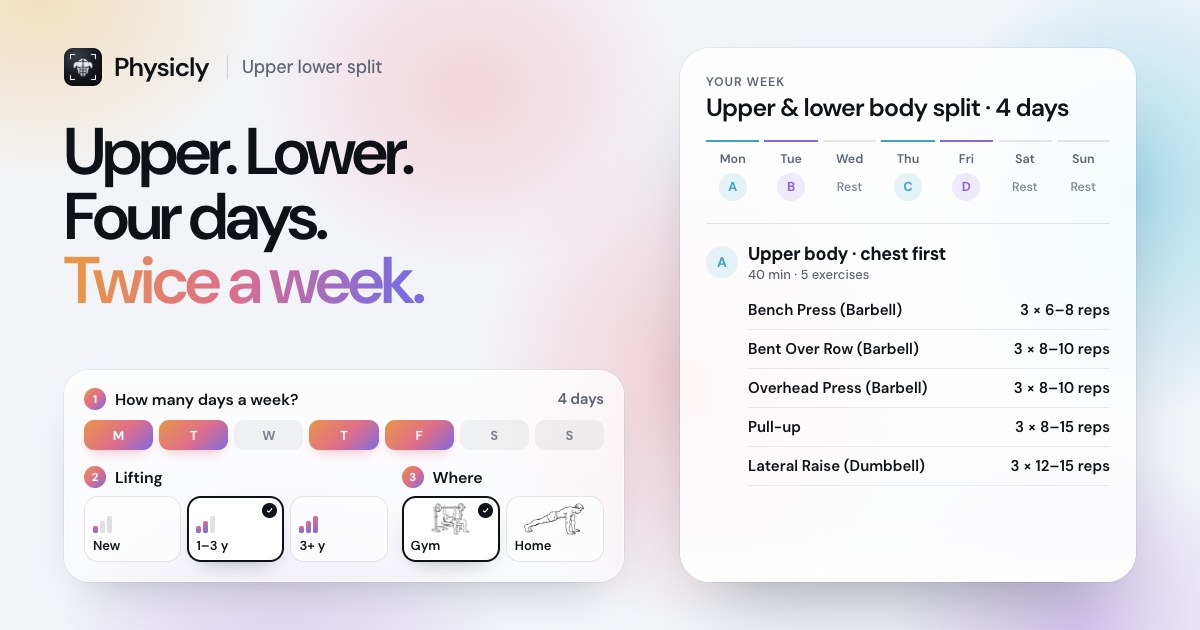 Upper lower split
4 days a week · gym
-
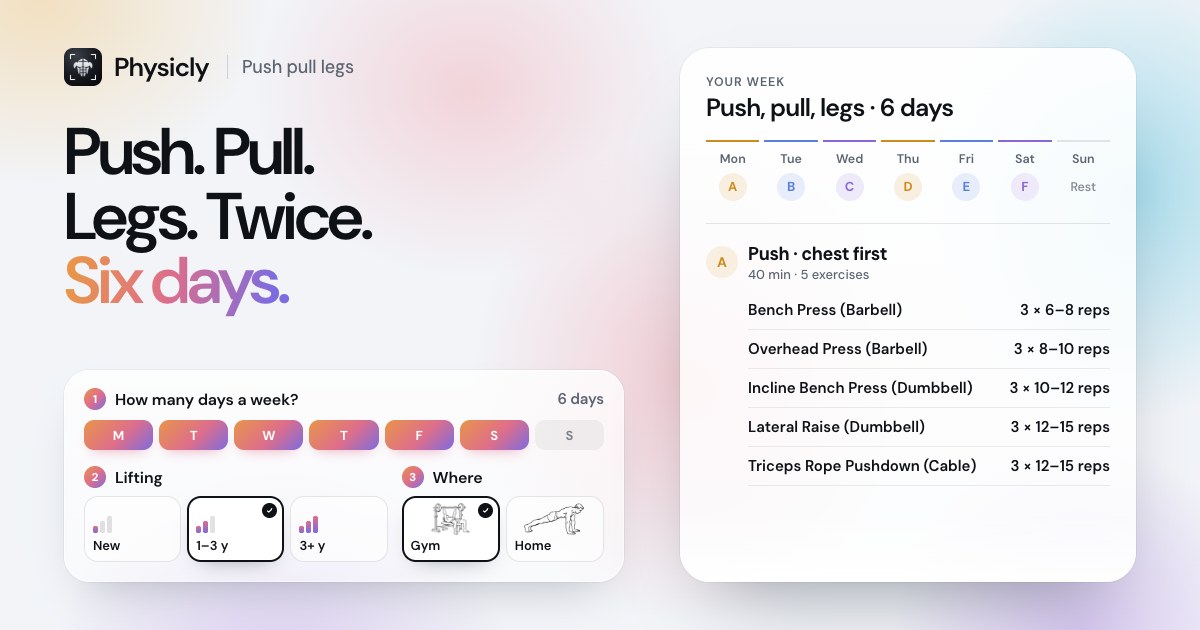 Push pull legs
6 days a week · gym
-
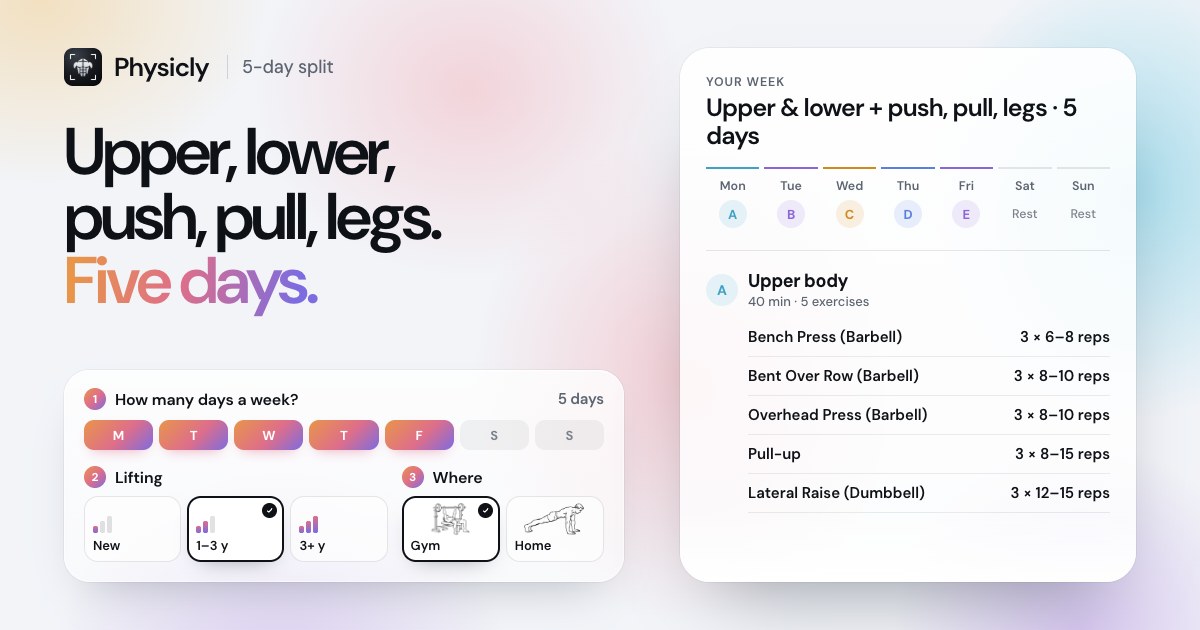 5-day split
5 days a week · gym
-
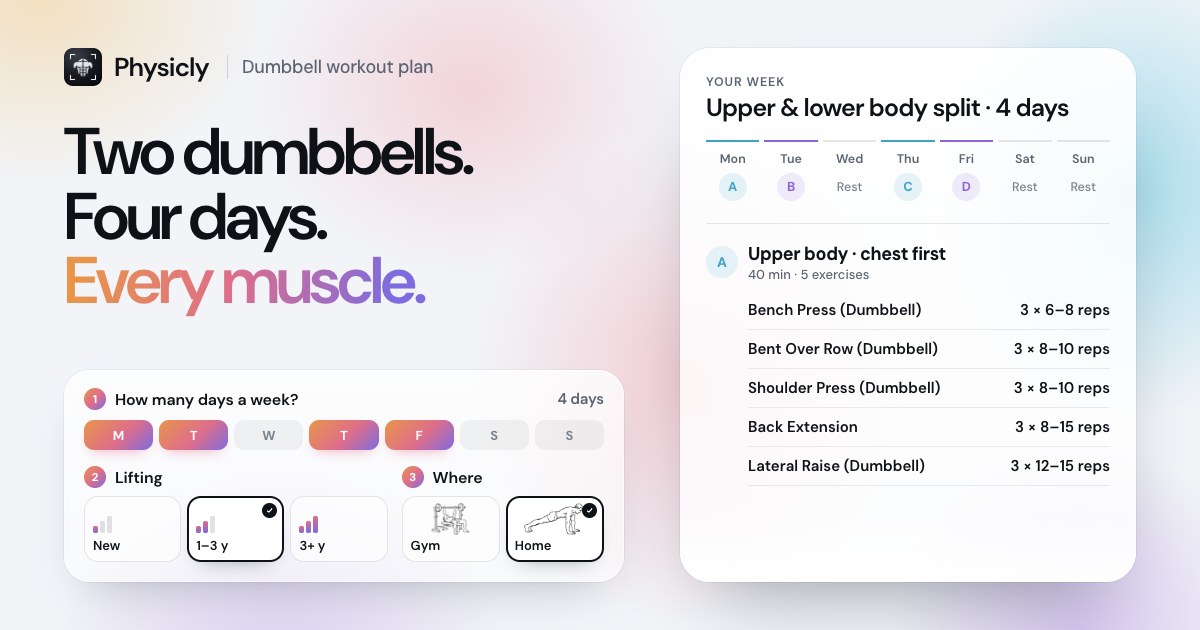 Dumbbell only plan
4 days a week · home
-
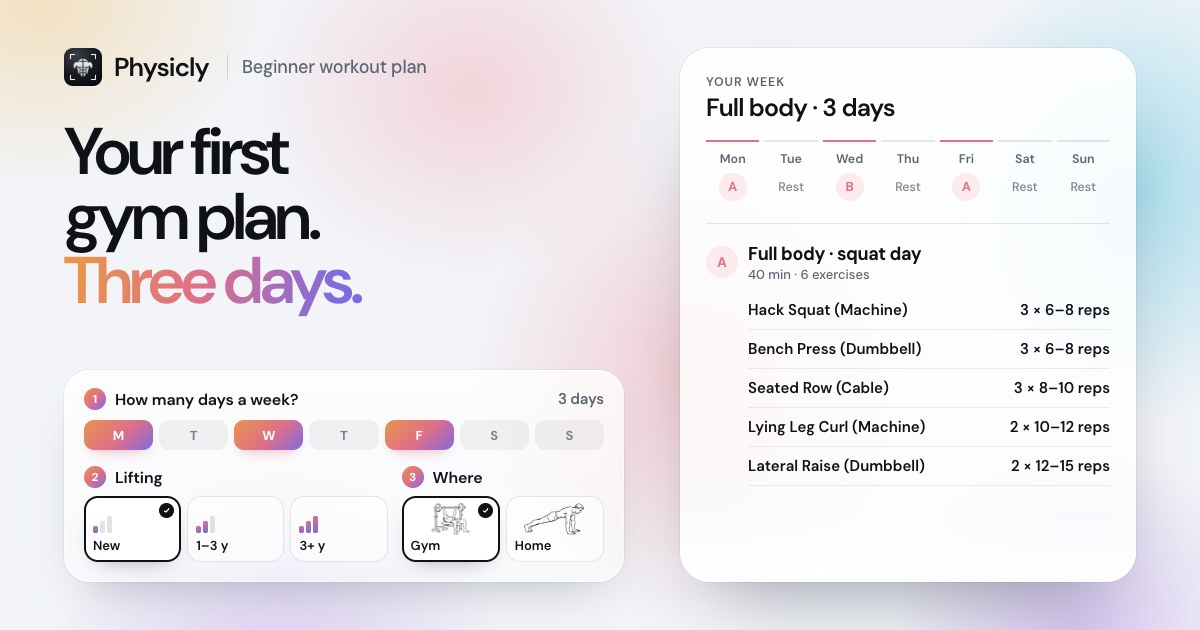 Beginner plan
3 days a week · gym
The six splits side by side
| Split | Days a week | Each muscle | Session | Best for |
|---|---|---|---|---|
| Beginner plan | 3 | 3× a week | ~40 min | Your first months |
| Full body routine | 3 | 3× a week | 40–45 min | Busy weeks |
| Upper lower split | 4 | 2× a week | ~40 min | Most lifters |
| Dumbbell only plan | 4 | 2× a week | ~40 min | Home with dumbbells |
| 5-day split | 5 | 2× a week | ~40 min | Training most weekdays |
| Push pull legs | 6 | 2× a week | ~40 min | Experienced, recovers well |
How the plan is built
The same rules as the Physicly app, written down.
How does the generator pick your split?
Days a week choose the split. Two or three days get full body sessions, four get an upper/lower split, five get upper, lower, push, pull and legs, and six get push pull legs.
Experience sets the volume and the lifts. New lifters get 3 sets on big moves and 2 on small ones, machines and dumbbells before barbells, and at most 4 days. With 3+ years, main lifts go up to 4 sets.
Where you train decides the exercises. At home only what you ticked, plus bodyweight. Home weeks go up to 5 days with equipment and 4 with bodyweight only.
How many days a week should you train?
As many as you can keep up for months. Three or four days a week is enough for most people, as long as each muscle gets about two hard sessions. Two days still works if every session is full body; five or six add volume only if you recover between them.
If you’re new, start with three. The generator caps new lifters at four days and says so in the plan.
How are sets and reps chosen?
Each exercise has a job. The first lift of a workout gets 6–8 reps and 2.5 minutes of rest, the second 8–10 reps and 2 minutes, supporting moves 10–12, isolation moves 12–15 with a minute of rest. Bodyweight moves get wider ranges, such as 8–15.
Experience sets how many sets each one gets; Low intensity takes a set off, Hard adds one to isolation moves. A plan usually lands around 40–50 minutes a session.
How do you progress week to week?
Add reps first, then weight. Start at the bottom of each rep range with good form; when you hit the top of the range on every set, add the smallest weight step next time.
Keep the same exercises for 6–8 weeks so the numbers compare. Swap is for an exercise that hurts or a machine that’s taken.
What can’t a generator know about you?
Your injuries, your form and how you recover. If a movement hurts, stop and swap it, and talk to a professional about an injury or a medical condition.
It also can’t see whether the plan works for your body. That takes tracking: our guide on how to track muscle growth shows how, and the Physique Rater scores your muscles from one photo.
Workout plan questions
Something else? Write to [email protected].
Is the Physicly workout plan generator free?
Yes. The Physicly Workout Plan Generator is free, needs no account or email and has no limit on how many plans you build. You can print the plan, save it as a PDF, copy it as text or share a link that opens the same plan.
Is this an AI workout generator?
No. It’s rule-based, on purpose. The generator uses the same program engine as the Physicly app: your days a week pick the split, your experience sets the volume and which lifts you get, and where you train decides which exercises are allowed. The same answers always give the same plan, so nothing is made up and nothing changes between visits.
How many days a week should I train to build muscle?
Three or four days a week is enough for most people. What matters is training each muscle about twice a week with enough hard sets. A 3-day full body plan or a 4-day upper/lower split both do that. Five or six days can add volume for experienced lifters, but only if you recover between sessions.
Which workout split is best for building muscle?
The one that fits your week. Full body suits 2–3 days, an upper/lower split suits 4, an upper/lower plus push, pull, legs week suits 5, and push pull legs suits 6. Each trains every muscle about twice a week. The Physicly generator picks the split from the days you can actually train.
Can I get a home workout plan with only dumbbells?
Yes. Choose Home and tick only Dumbbells (and A bench if you have one). The Physicly generator then uses only dumbbell and bodyweight exercises, such as goblet squats, dumbbell bench presses and rows. Home plans go up to 5 days a week, or 4 with bodyweight only.
How long until I see results from a workout plan?
Strength usually goes up within the first 2–4 weeks, mostly because your body learns the movements. Visible muscle change takes longer, typically 8–12 weeks of steady training with enough protein and sleep. Photos taken in the same light every few weeks show it better than the mirror.
Can I swap exercises in the generated plan?
Yes. Every exercise has a Swap button that cycles through alternatives for the same movement, such as a dumbbell press instead of a barbell bench press, each with its own rep range. Only exercises that fit your equipment and level are offered.
How do I track progress on this plan?
Write down the weight and reps of every set and try to beat them: when you hit the top of the rep range on every set, add a little weight next time. The Physicly app does this for you, suggests the next weight, and shows which muscles actually grow from a daily progress photo.
Is there an app for this workout plan?
Yes. Physicly for iPhone builds this same program from the same answers in the app. It logs every set, suggests when to add weight, lets you swap exercises and tracks your physique with a daily photo X-Ray.
A plan is a start. Watch it work.
Physicly logs every set, tells you when to add weight and shows which muscles grow, from one photo a day.
 Or scan it with your iPhone camera.